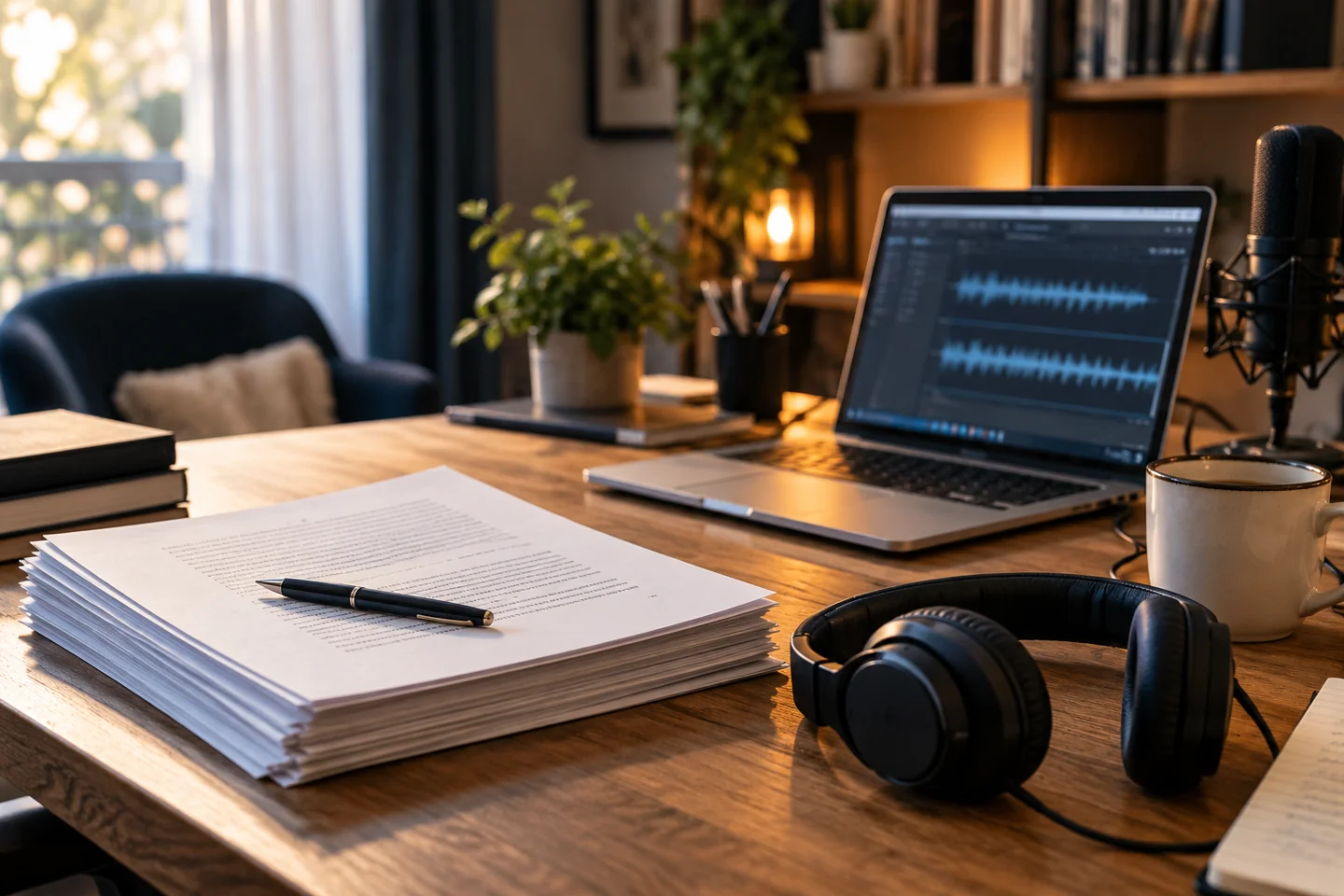
Turn a Manuscript into an Audiobook: Essential Steps
An audiobook begins with a carefully prepared text—not with the Generate button.
1. Check that you can use the text
Before converting any book or document, make sure you have the necessary rights or a lawful basis for your intended use. Owning a copy of a book does not automatically grant the right to distribute an audio adaptation. Keep personal conversion separate from public distribution.
2. Prepare a clean source file
Use an editable document such as DOCX when possible. Check page breaks, headers, footnotes, quotations and tables. PDF extraction can introduce unwanted line breaks, repeated page numbers and missing characters; scan the extracted text before generating audio.
Remove elements that should not be read aloud, such as running headers and decorative page numbers. Expand abbreviations when their pronunciation might be ambiguous.
3. Divide the manuscript into logical chapters
Give each chapter a clear title, and keep the source text in reading order. Introductions, forewords, acknowledgements and appendices may need different narration settings from the main body. Listen to a short sample of each type before generating the entire book.
4. Choose a suitable voice
A voice should match the audience and subject. Test a passage with dialogue, one with long sentences and one containing difficult names. Compare intelligibility, pacing and naturalness on headphones and ordinary speakers.
A voice that is impressive for thirty seconds may become tiring over several hours. Prefer a consistent and comfortable performance.
5. Give the narration clear instructions
Specify whether the delivery should be calm, informative, expressive or restrained. Avoid conflicting instructions. If a chapter title is narrated, add a brief pause before the body text and check that the title is not spoken twice.
6. Generate and review chapter by chapter
Producing audio in sections makes it easier to correct mistakes without rebuilding the entire book. If an API quota is reached, keep completed sections and resume only the remaining work when permitted. Listen for omissions, repetitions, awkward pronunciation, inconsistent tone and sudden changes in volume.
7. Check technical quality and exports
Confirm that each file plays fully, that its beginning and ending are clean, and that chapter order is correct. Use consistent audio specifications throughout the book. MP3 is practical for everyday listening; WAV is useful when additional editing is required.
8. Prepare the public presentation, if you are authorized to publish
Add an accurate title, author credit, cover, summary and links to the platform hosting the finished audio. Do not publish the imported private manuscript by accident. Verify rights for the text, cover, narration and any music.
Frequently asked questions
Can I convert a PDF?
Often, yes, but PDF text extraction may require extra proofreading, especially for scanned documents or complex layouts.
Should I generate the entire book at once?
It is safer to check a representative chapter first. Then use a queue to generate the remaining chapters and monitor the results.
Can I share the audiobook I create?
Only where you have the necessary permissions. Private conversion and public distribution are different uses.